Overview
The More screen provides access to a variety of additional tools and features that complement the core functionalities of the app. It acts as a centralized hub for managing smart devices, assets, field activities, and visit data — enabling users to streamline their workflows with ease.
Layout
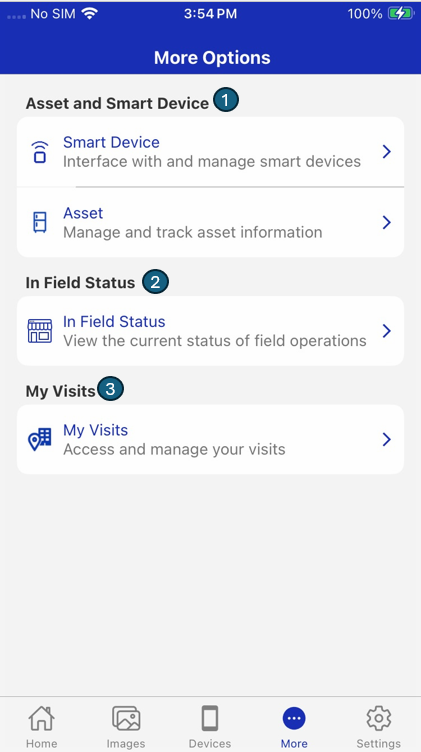
The More screen is organized into key sections, each designed to support a specific operational function:
| # | Section | Description |
|---|---|---|
| 1 | Smart Device | Interface with and manage smart devices. |
| 2 | Asset | Interface with and manage assets. |
| 3 | In Field Status | View the current status of field operations. |
| 4 | My Visits | Access and manage your visit. |