
Appearance
System: organization-wide settings
The System screen holds the settings that apply to your whole organization in Playbook, such as language, date format, currency and time zone.
System at a glance
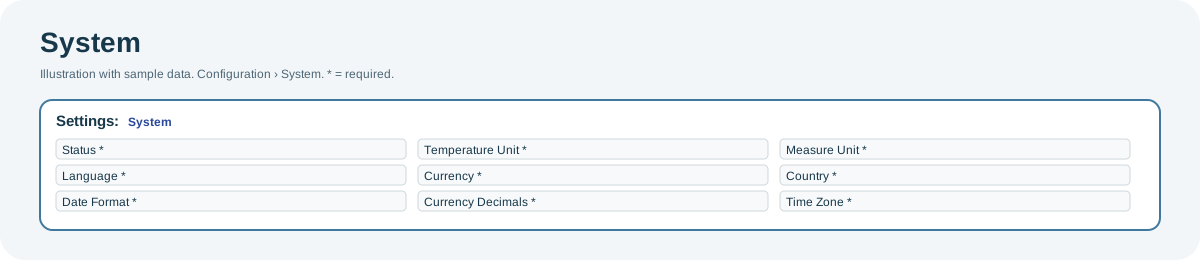
Open the full-size System diagram.
When to use it
When you set up a new organization, or when its currency, units or time zone change.
Who uses it
| Role | Typical use |
|---|---|
| Managers and other users with access | Check the organization's settings, such as currency or time zone. |
| Administrators | Change the settings. |
Why it helps
- Consistent figures: prices, temperatures and distances use the same units everywhere.
- Local formats: dates and times follow your country and time zone.
Where to find it
Select Configuration > System.
Using the screen
Most roles can view these settings but not change them. If your role can change them, choose a value for each setting and save. All settings are required.
| Setting | Controls |
|---|---|
| Language | The default language. |
| Date Format | How dates are shown. |
| Temperature Unit | Celsius or Fahrenheit. |
| Currency, Currency Decimals | The currency for prices and revenue, and how many decimals to show. |
| Measure Unit | The distance unit. |
| Country, Time Zone | The organization's country and default time zone. |
Why you might not see something
- The settings are read-only: your role can view them but not change them. Ask an administrator to make the change.
- You cannot save: a setting is empty. Choose a value for every setting.
- The screen is not in your menu: your role does not include it.
Related pages
Last updated: November 13, 2026. Screens and options vary with your role and your organization's setup.